
 Get for Mac (Silicon)
 Get for Windows
Try On Different Coding Platforms
Seamlessly works across popular coding platforms and competitive programming sites
 LeetCode
 CodeChef
 HackerRank
 Codeforces
 GeeksforGeeks
 HackerEarthLeetCodeCodeChefHackerRankCodeforcesGeeksforGeeksHackerEarthLeetCodeCodeChefHackerRankCodeforcesGeeksforGeeksHackerEarthLeetCodeCodeChefHackerRankCodeforcesGeeksforGeeksHackerEarth
See how we guarantee undetectable
Invisly is designed for complete stealth. You can't even click on Invisly in anFull screen mode, you can use ctr+M for click through mode and ctr+N for disabling it, it will never steal focus, and it's completely invisible to screenshare. Invisly is completely undetectable to the taskmanager and taskbar. Go through the video to see how Invisly works.
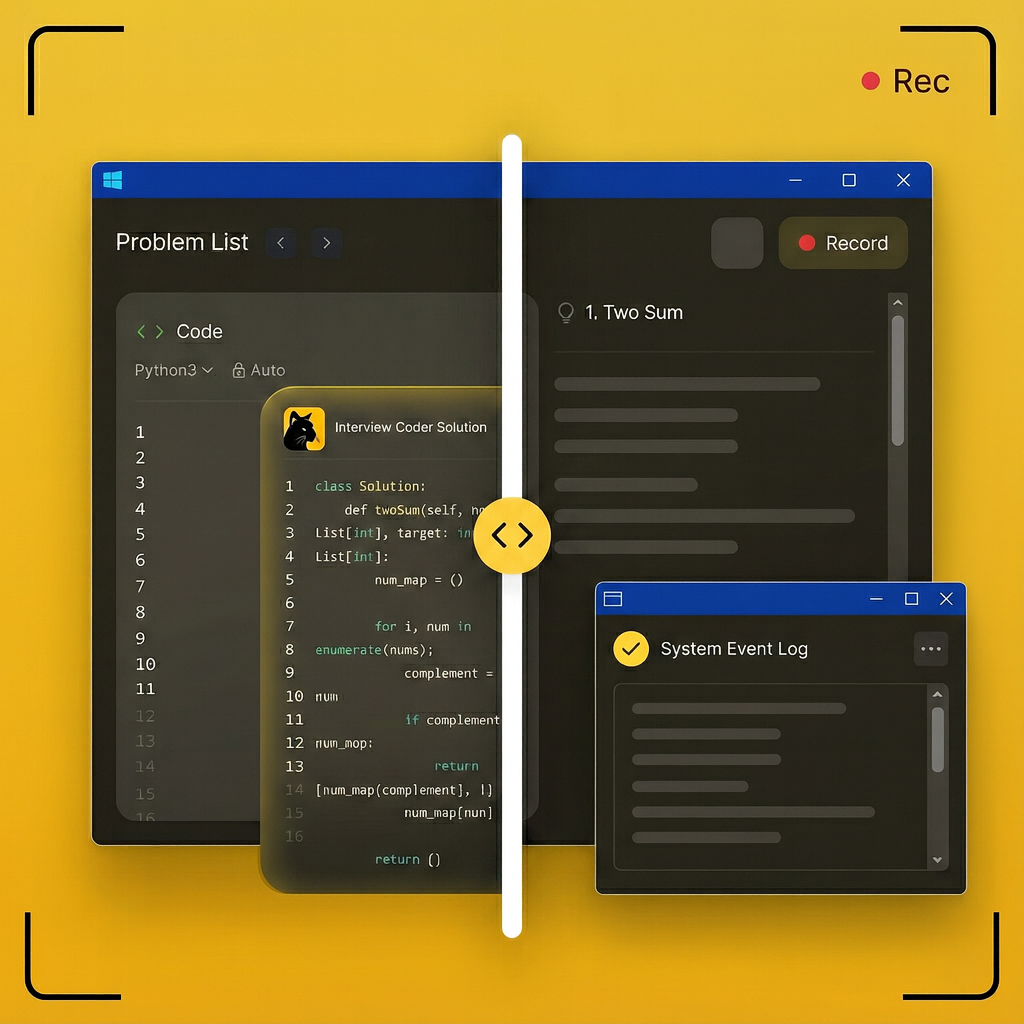
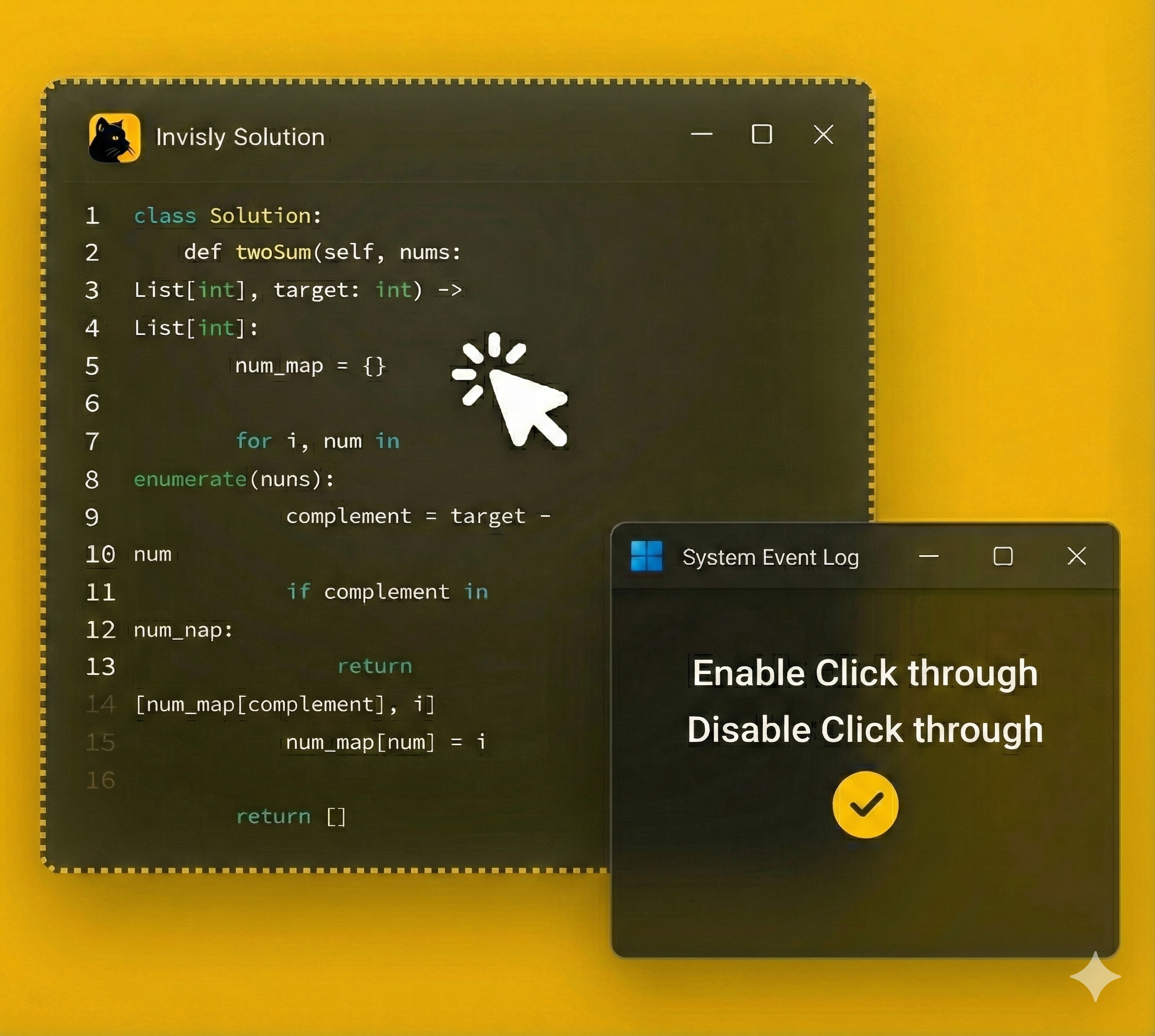
Invisly is completely undetectable to screen sharing platforms and never steals focus . You can enable or disable click-through mode by adding your API key. When you are in full screen while taking an exam, please enable click-through mode to avoid tab switching.
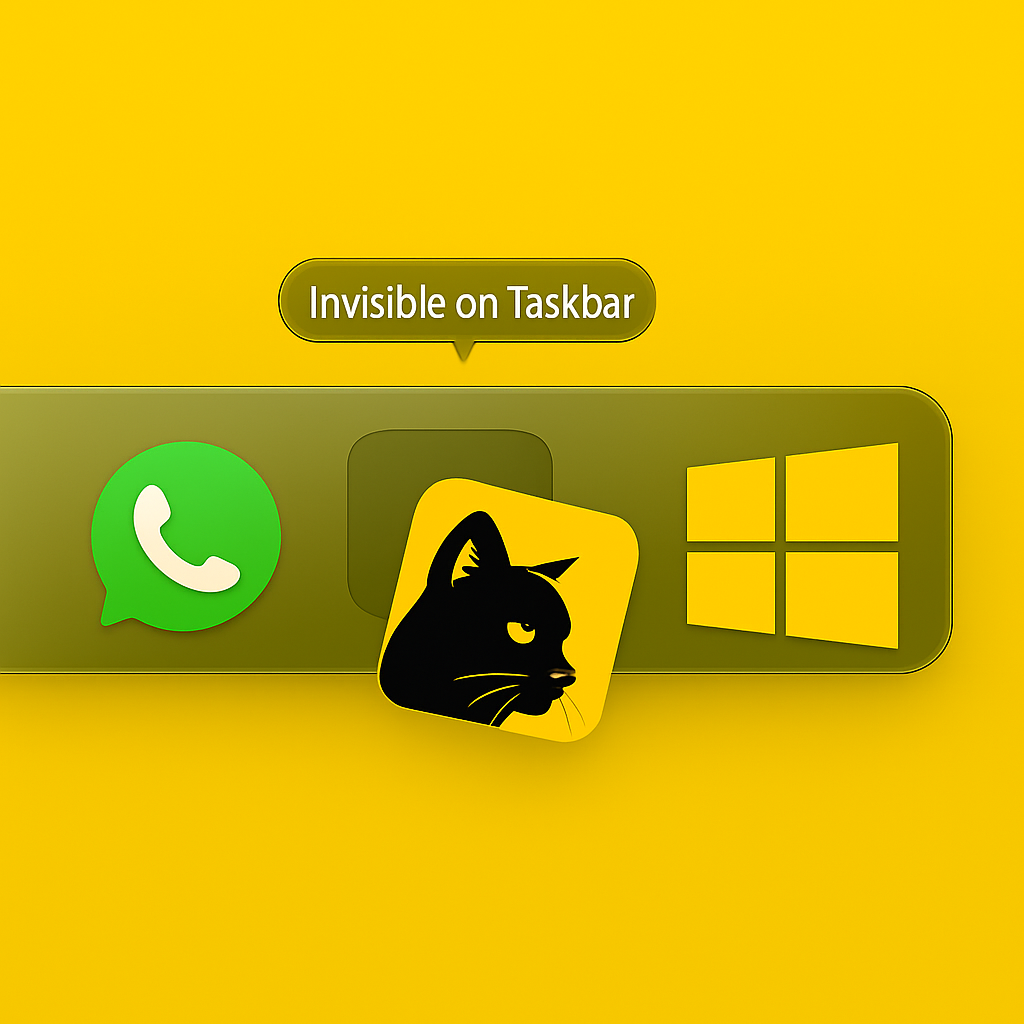
Invisly stays completely invisible to the taskbar. The app remains active but never shows an icon, ensuring no one can tell it's running.
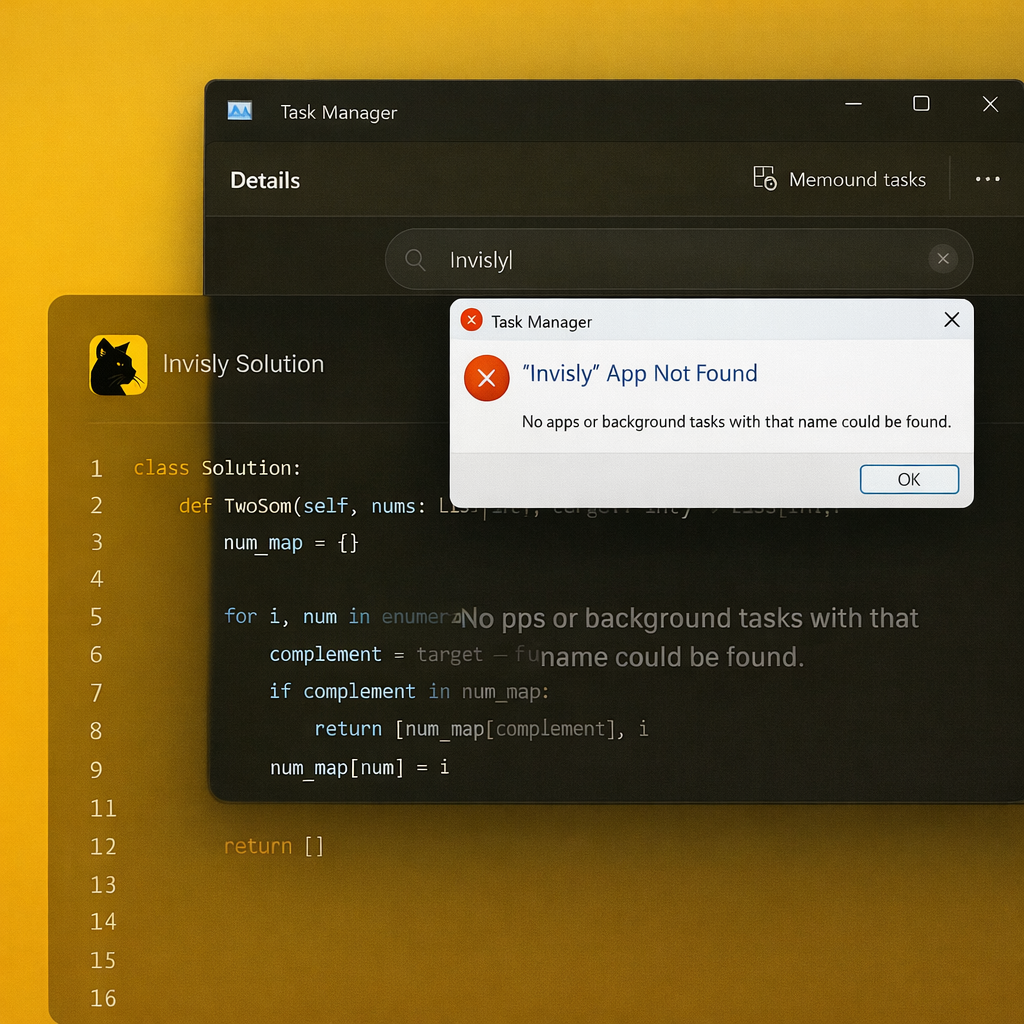
Invisible in TaskManager Runs silently in the background without leaving any trace in your Windows Task Manager.

See how you're going to use Invisly to crack the coding round even in full screen mode. Invisly is designed for complete stealth - you can't even click on it during an interview, it will never steal focus, and it's completely invisible to screenshare.
Does Invisly Work Here?
Check platform compatibility before your session

Zoom
Video Meetings

Microsoft Teams
Team Calls

Google Meet
Web Meetings

Hackerrank
Coding Interviews

TeamViewer
Remote Access
AnyDesk
Remote Desktop
Status updates in real-time • Last checked: Today
Keyboard Shortcuts
Master Invisly with these essential shortcuts. Works on both Windows (Ctrl) and Mac (Cmd).
Take screenshot
Process screenshots with AI
Reset screenshot queue
Toggle window visibility
Move window position
Adjust opacity

If anyone get placed by using our platform?
Send your offer letters to educationalpro6@gmail.com